6 October 2026 · 6 min read
What Is 3D Modeling? A Beginner-Friendly Guide for Games
Every character, weapon, tree and building you see in a game started as a 3D model. Here is what that actually means, and what a 3D artist does all day.
3D modeling in one paragraph
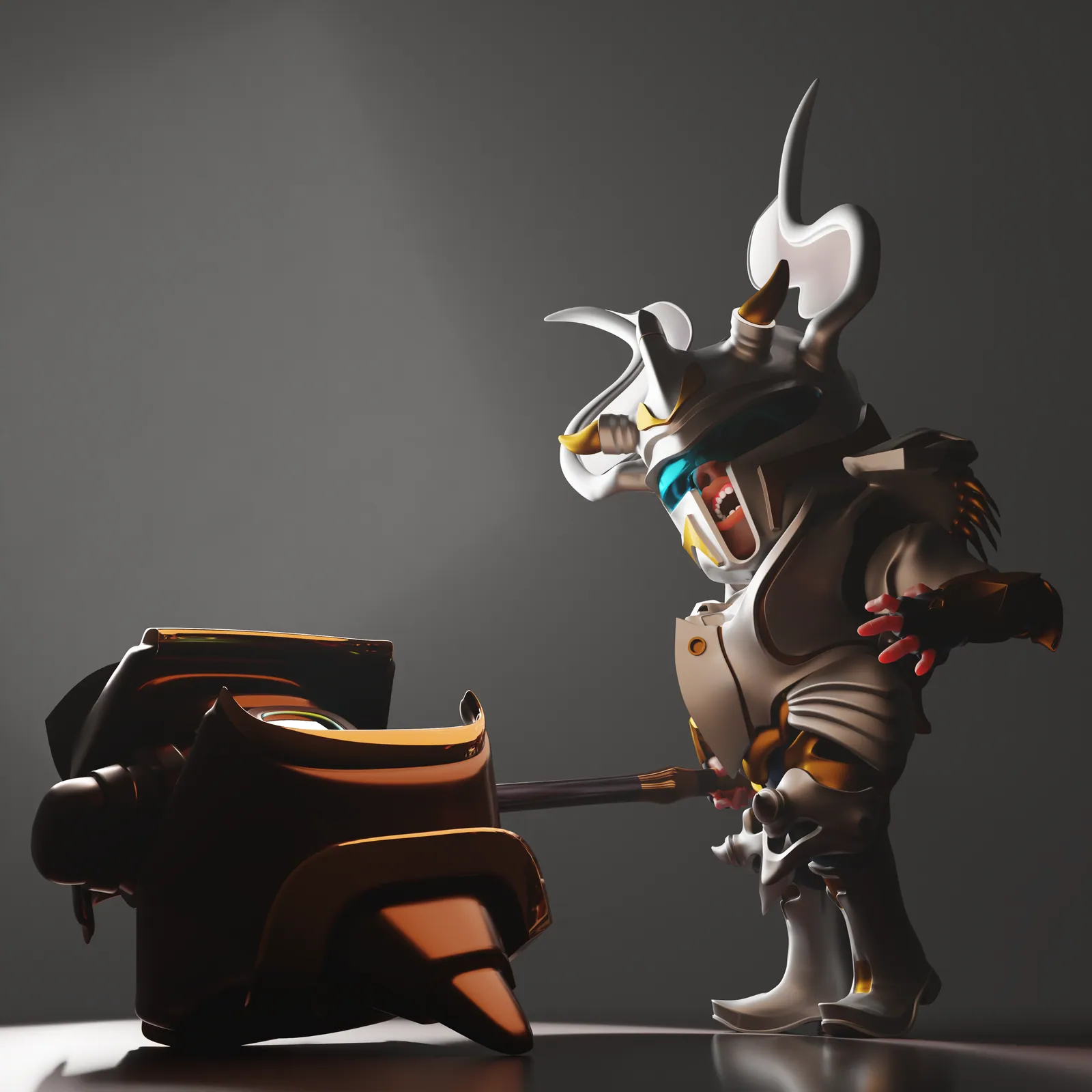
3D modeling is the process of building the shape of an object inside a computer. Instead of drawing a flat picture, the artist creates something that has width, height and depth and can be viewed from any angle. The result is called a model or mesh, and it can be rendered as an image, animated, or placed in a game engine such as Unity or Unreal.
What a mesh is made of
- Vertices: single points in 3D space.
- Edges: lines that connect two vertices.
- Faces (polygons): flat surfaces closed by edges. In games they are usually triangles or quads (four-sided faces).
A game model is a collection of these faces. The more faces it has, the more detail it can hold, and the more work it is for the graphics card. That trade-off is the heart of game art, and it is why we wrote about topology and optimization.
Common types of 3D modeling
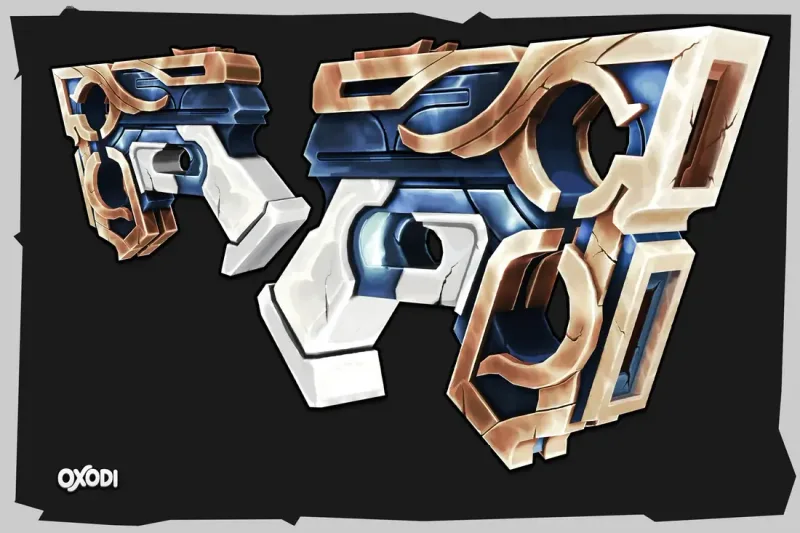
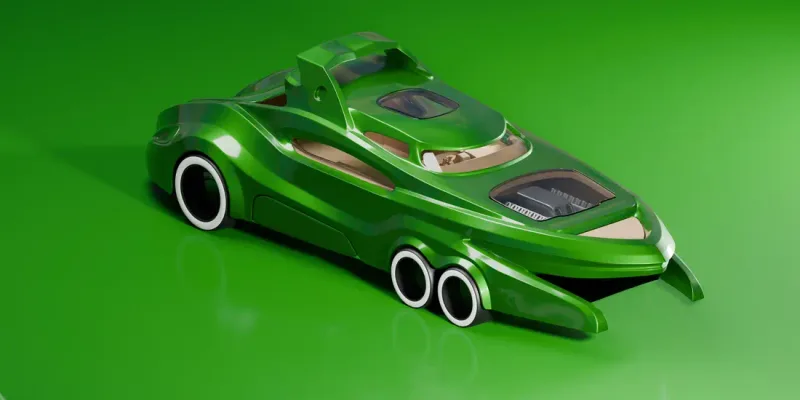
- Hard-surface modeling: machines, weapons, vehicles and props with clean edges and precise shapes.
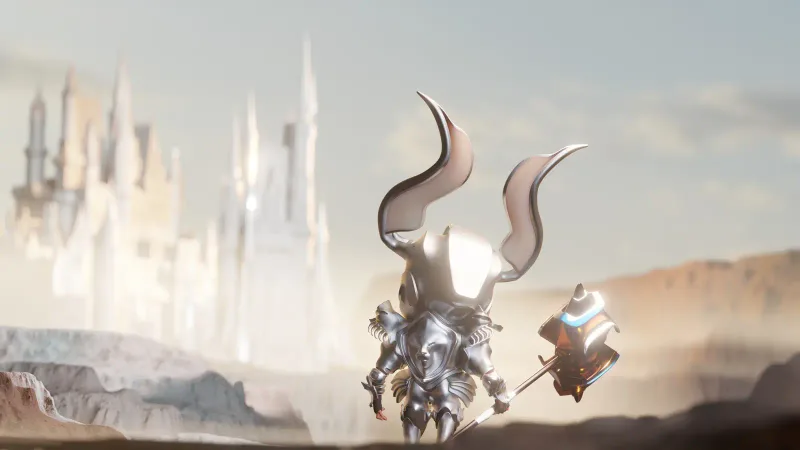
- Organic modeling and sculpting: characters, creatures and natural forms, often sculpted like digital clay in ZBrush or Blender.
- Low-poly modeling: efficient models built with few polygons, common in mobile and stylized games.
- Photogrammetry and scanning: models created from photos of real objects, then cleaned up for use.
Models need more than a shape
A finished game asset is a package. Besides the mesh it usually includes UV maps, textures and materials, and for characters a skeleton and skin weights so it can move (see rigging basics). You can see the full chain in how a 3D game asset is made.
Software artists use
Blender is free and used across the industry. Maya and 3ds Max are common in larger studios. ZBrush is the standard for high-detail sculpting, Substance Painter for texturing, and Marmoset Toolbag or Unreal Engine for presentation. The tool matters less than understanding the principles; the same ideas apply everywhere.
Where to go next
If you are an artist, start with a simple prop and finish it completely: model, unwrap, texture, export, and view it in an engine. If you are a developer or producer looking for assets, read our game-ready asset checklist so you know what to ask for. Need models made for you? See our stylized 3D assets service.