9 October 2026 · 7 min read
Game Texturing Basics: Hand-Painted vs PBR
Texturing is what turns a gray model into a leather boot, a glowing potion or a cartoon sword. Here are the basics: styles, maps, sizes and the mistakes to avoid.
What is a texture?
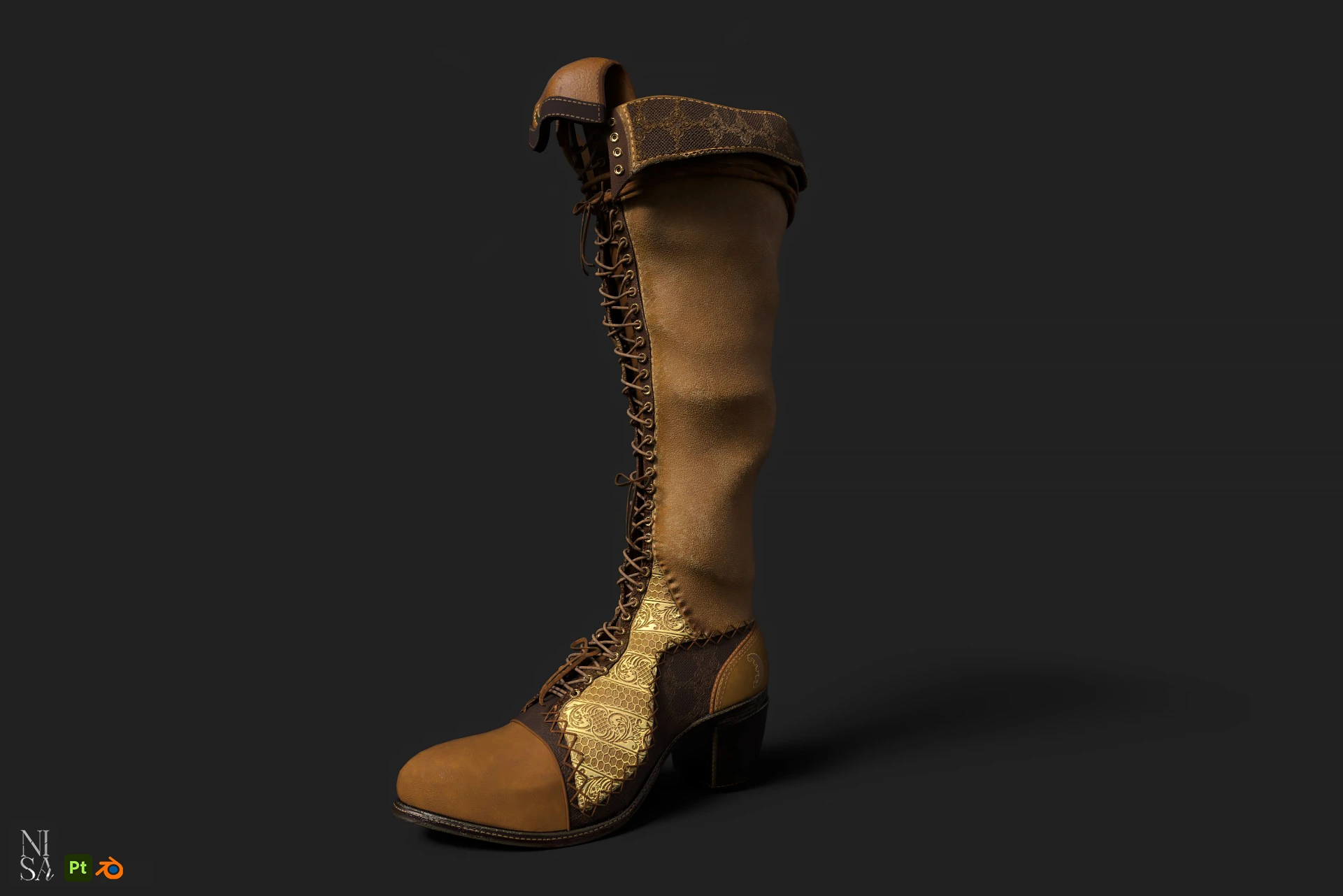
A texture is an image applied to a 3D model through its UV map. The image can hold color, but also other data such as how shiny, rough, metallic or bumpy a surface is. Together these images make a material.
Two main approaches
Hand-painted (stylized)
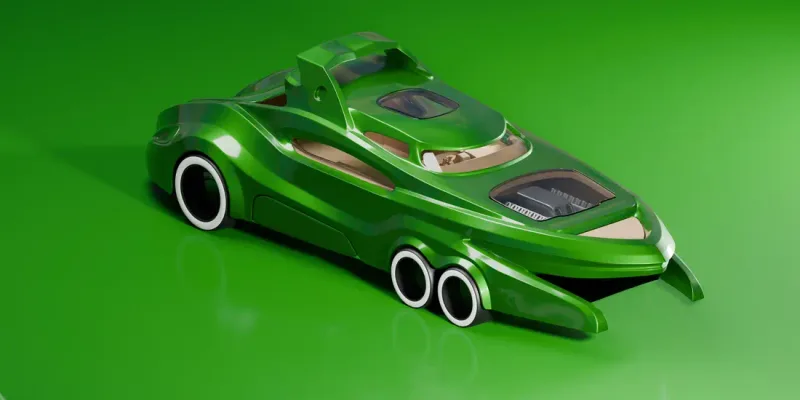
The artist paints light, shadow and detail directly into the color texture. The look is controlled and illustrative, and it works well with simple lighting. Hand-painted textures are common in mobile, casual and stylized games because they are cheap to render: often a single color map and a simple shader.
PBR (physically based rendering)
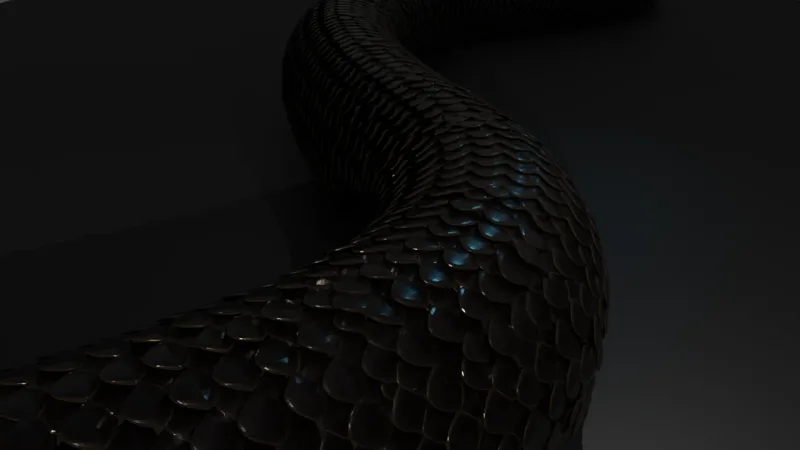
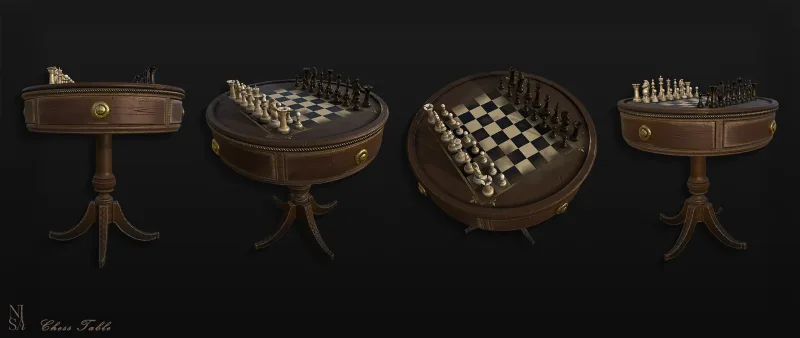
Instead of painting lighting, the artist defines material properties and lets the engine light the object. The same material looks right under any lighting. This is the standard for realistic and semi-realistic games. See PBR textures explained.
Many productions mix them: a PBR base with hand-painted accents or stylized shading.
The maps you will meet
- Base color / albedo: the color of the surface without lighting.
- Normal map: fakes small surface detail by changing how light reacts.
- Roughness (or gloss): how blurry or sharp reflections are.
- Metallic: whether a surface is metal or not.
- Ambient occlusion (AO): soft shadow in crevices.
- Emissive: parts that glow.
- Opacity / alpha: transparency, used for leaves, hair, glass.
Resolution and compression
Common sizes are 256, 512, 1024, 2048 and 4096 pixels. Bigger is not better: memory use grows with the square of the size. Choose the resolution from how large the object appears on screen, and keep consistent texel density. Games store textures in GPU-compressed formats (ASTC on mobile, BC formats on desktop and console), which cut memory a lot with small quality loss.
Tools
Substance Painter and Designer, Blender, Photoshop, ZBrush Polypaint and Marmoset Toolbag are the most common. Detail from a high-poly sculpt is transferred first through baking.
Common mistakes
- Baking light and shadow into a PBR albedo, which then looks wrong in other lighting.
- Pure black or pure white albedo values; real surfaces are rarely that extreme.
- Inconsistent texel density between parts of one asset.
- Not testing in the target engine and lighting.
- Using a 4K texture on a small prop.
- Ignoring atlasing for assets that could share a material.
What good texturing gives you
It sells the material, supports the silhouette, keeps a consistent style across the whole game and still fits the memory budget. If you need stylized hand-painted assets or PBR props, see our stylized and realistic 3D services.