10 October 2026 · 7 min read
Rigging Basics for Game Characters
A character model that cannot move is a statue. Rigging is what gives it bones, controls and the ability to be animated.
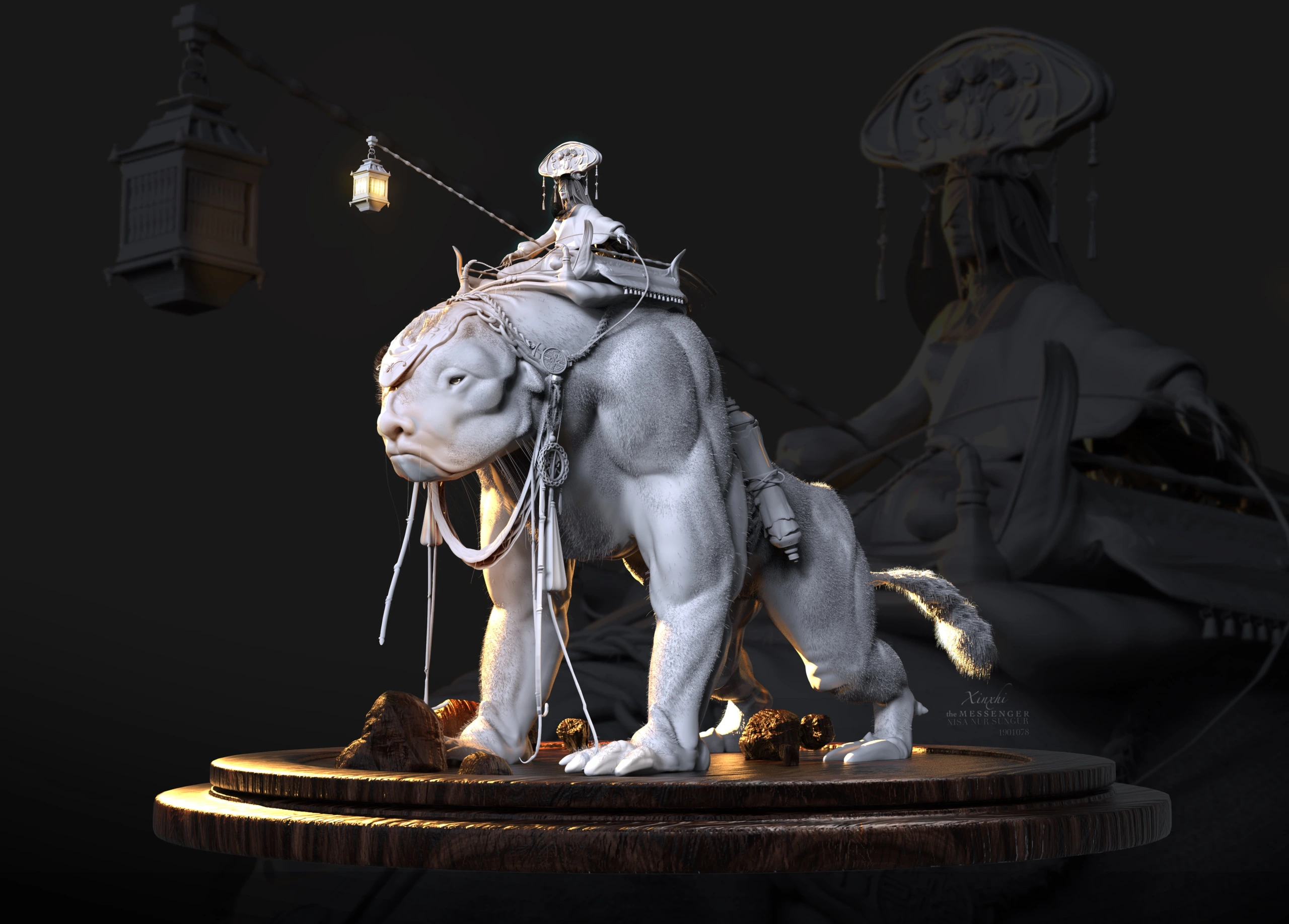
What is rigging?
Rigging is building a skeleton of joints (bones) inside a 3D model and connecting the model's surface to those joints so that moving the skeleton deforms the mesh. Animators then pose the rig instead of moving individual vertices.
The main parts of a rig
- Skeleton (joints): a hierarchy such as hips → spine → chest → neck → head, plus arms and legs.
- Skinning: binding the mesh to the joints.
- Weights: numbers that say how strongly each joint influences each vertex. Weight painting is the process of refining them, especially around shoulders, hips and knees.
- Controls: handles animators use to pose the rig. Game engines usually only need the bones; animation tools use controls on top.
- IK / FK: inverse kinematics (move the hand, the arm follows) and forward kinematics (rotate each joint in order). Both are common in animation.
- Blend shapes (morph targets): stored shape changes used for facial expressions or corrective shapes.
What makes a rig game-ready
- Reasonable bone count. Mobile characters commonly stay around 30–60 bones; PC and console allow more.
- Four influences or fewer per vertex on most mobile setups; more costs performance.
- Clean hierarchy and naming that matches the engine's humanoid or retargeting system if animations will be shared.
- A neutral bind pose, like a T-pose or A-pose, with transforms applied.
- Good topology with loops at joints, so the mesh bends without collapsing.
- Correct scale and orientation on export.
Common problems
- Candy-wrapper twisting at forearms and shoulders: fix with twist joints and better weights.
- Volume loss at bent knees and elbows: fix with corrective shapes or extra support loops.
- Clothing or hair clipping through the body: use weighted cloth bones, secondary joints or physics.
- Animations that look different in the engine than in the DCC tool: check axis, units, rotation order and compression settings.
Rigging and animation delivery
Characters usually export as FBX (or glTF) with the skeleton, skin and one or more animation clips such as idle, walk, run and attack. See 3D file formats for games. If you want us to take the model through to a working rig, tell us about your character.