9 October 2026 · 8 min read
PBR Textures Explained: Albedo, Normal, Roughness and Metallic
PBR is the standard way to make realistic game materials. It sounds technical, but it comes down to a handful of maps and a few rules.
What PBR means
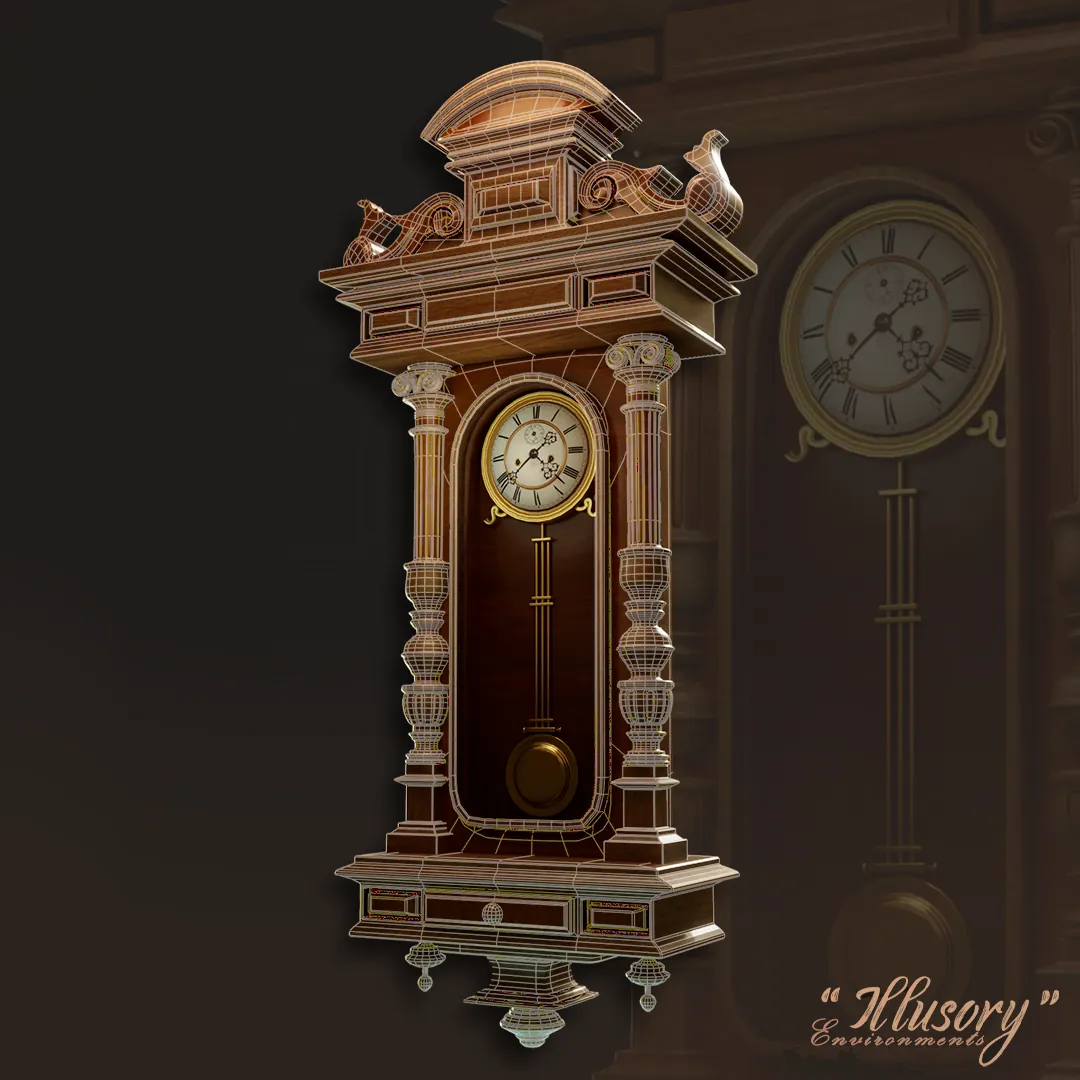
Physically based rendering is a way of shading that follows how light behaves in the real world. The artist describes what the surface is made of, not how it should look in one lighting setup. The engine then calculates the result, so the material looks correct in daylight, a dark cave or under a neon sign.
The metallic-roughness workflow
Most real-time engines (Unity, Unreal, Godot) and the glTF format use this workflow. The key maps are:
- Base color (albedo): the color of the surface. For metals it is the color of the reflection. It should contain no lighting or shadows.
- Metallic: a mask. Surfaces are almost always either metal (white) or not (black); gray values appear only at transitions like rust edges or dirt.
- Roughness: how rough the surface is. Black is mirror-smooth, white is fully rough and diffuse. Roughness carries most of the realism: scratches, fingerprints and wear.
- Normal map: small-scale surface detail faked with direction data (see baking normal maps).
- Ambient occlusion (AO): darkens crevices where ambient light cannot reach.
- Height / displacement: optional, used for parallax or tessellation.
- Emissive: self-lit parts.
A specular-glossiness workflow also exists and appears in older pipelines. It is similar, but it works with a specular color map and an inverted roughness called glossiness.
Color maps vs data maps
This is a classic source of mistakes. Base color and emissive maps are stored in sRGB. Normal, roughness, metallic and AO are data, not colors, and must be read as linear. If you import a roughness map as sRGB, the surface will look wrong. Most engines have a checkbox for it.
Normal map conventions
There are two normal map formats, with the green channel flipped. OpenGL style (Y+) is used by Unity and Blender; DirectX style (Y−) is used by Unreal. If your bumps look inverted, flip the green channel.
Channel packing
To save memory, many projects pack three grayscale maps into one RGB texture, for example AO in red, roughness in green and metallic in blue. One texture fetch instead of three; it matters on mobile.
Tips for believable materials
- Vary roughness. Perfectly uniform surfaces look fake.
- Add wear on edges and in cavities, where real objects wear first.
- Keep albedo values in a realistic range; avoid pure black and white.
- Check the material in several lighting setups.
- Keep texel density consistent across the scene.
When not to use PBR
For stylized, mobile and casual games, a hand-painted approach with simple shaders is often better looking and cheaper. Choose based on style and platform, not trend.
We make both: see realistic 3D and renders and stylized 3D assets.