9 October 2026 · 7 min read
Baking Normal Maps: How Low-Poly Models Look High-Poly
A game character can have millions of polygons worth of detail on a model that only uses a few thousand. The trick is baking.
What is baking?
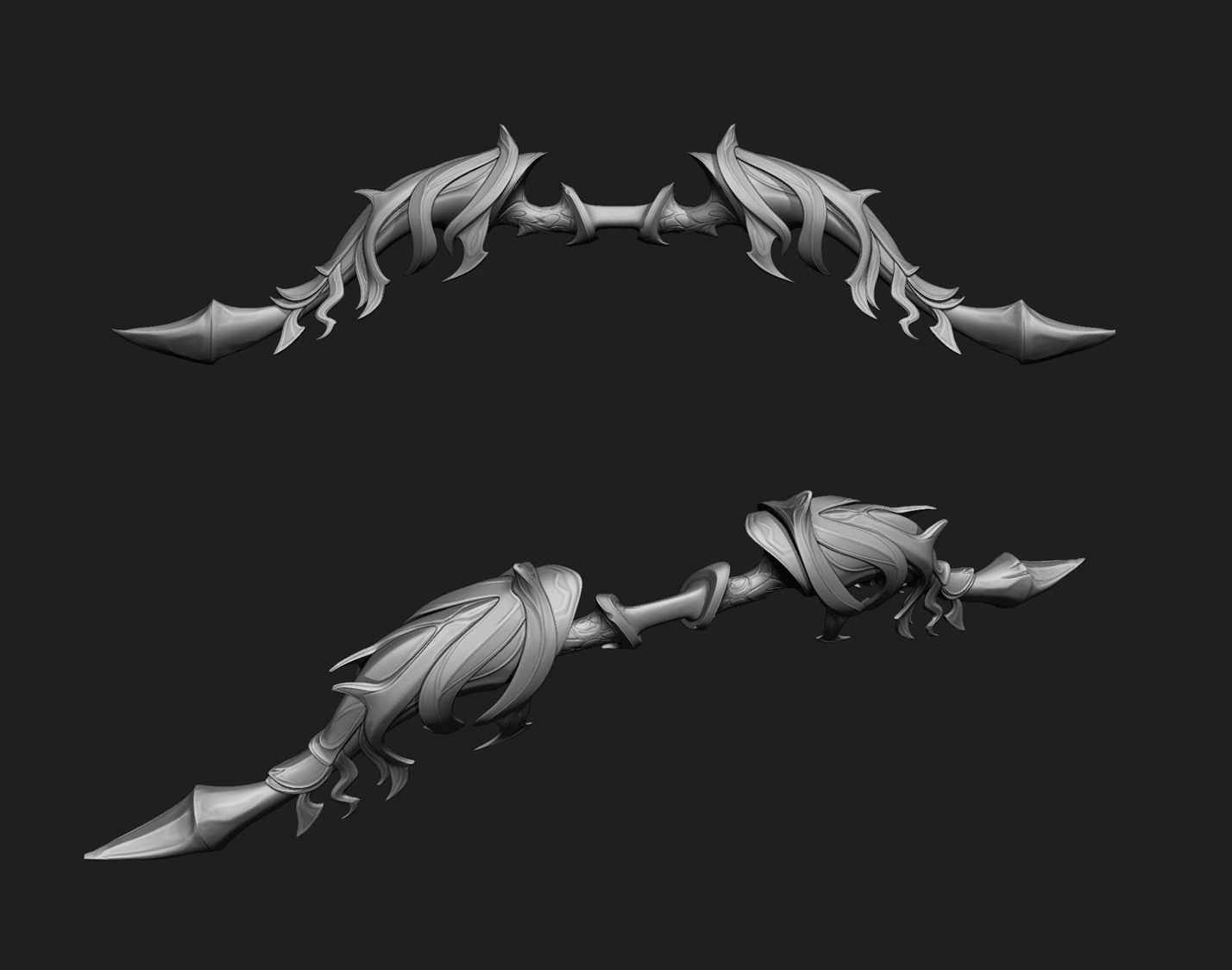
Baking means calculating information once, ahead of time, and storing it in a texture so the game does not have to calculate it live. The most common case is transferring the surface detail of a very detailed high-poly model onto a lightweight low-poly model through texture maps.
What is a normal map?
A normal map is an image where each pixel stores a direction (the surface normal). The lighting calculation uses that direction instead of the real geometry, so a flat polygon can look like it has dents, rivets and stitching. The purple-blue look of a typical normal map is just the direction data stored as RGB color. The silhouette does not change, so important shapes still need real geometry (see topology).
Maps you can bake
- Normal: surface detail.
- Ambient occlusion: contact shadows in crevices.
- Curvature: convex and concave edges, used to drive wear and edge highlights when texturing.
- Position, thickness, ID: helper maps for masks and effects. An ID map colors parts to make selecting them easy in Substance Painter.
The bake process
- Prepare the high-poly and low-poly in the same position and scale.
- Make sure the low-poly has clean UVs with padding and no accidental overlaps.
- Set smoothing: hard edges (split normals) should match UV seams.
- Use a cage or an extrusion distance so rays travel from the low-poly outward to the high-poly.
- Bake in tangent space at the right resolution, with enough padding.
- Inspect the result and fix errors, then continue to texturing.
Common baking problems
- Skewed or stretched details: usually from stretched UVs or a poor cage.
- Gradient shading across a hard edge: smoothing groups and UV seams do not line up. Splitting UVs along hard edges and using a baking tangent basis that matches your engine fixes most of it.
- Floating dots or rays: the rays hit the wrong surface. Reduce distance or explode objects slightly apart.
- Seams visible in-game: not enough padding or a mismatched tangent basis (for example MikkTSpace in the baker but not in the engine).
- Wrong green channel: OpenGL and DirectX normal maps differ. See PBR textures explained.
When not to bake
Simple stylized props with hand-painted detail often need no normal map at all. That saves memory and time. Bake when the detail is fine and structural; paint when it is soft and stylized.
All our 3D assets are baked, checked in-engine and delivered with clean maps.